

The product
One workshop, two devices
Your computer for research, planning and the long-term record, and your phone or tablet at the bench. They stay in step over your own Wi-Fi, with no TimeWrights account or subscription, and the syncing between them never goes through the internet. Coming soon.
| Feature | Computer (Mac, Windows) | Phone or tablet |
|---|---|---|
| Where it's used | At the desk: research, planning, the record | At the bench, and at fairs and sales |
| Only here | Reading listings from shops and marketplaces, and alerts on them; planning builds and repair projects and matching parts, builds from parts on sale, the marriage-watch finder; daily backups | The camera at the bench, bench mode that keeps the screen awake, and timers |
| On both, kept in step | Your timepieces and their records, service history, photos, bench jobs with readings, repair projects and builds (planned on the computer, shown at the bench), parts bin, tool log, ledger, dictating notes with the device's own dictation, saved searches (links on the phone or tablet), learning progress | |
| The same reference | The Movement Explorer with its cleaning and oiling maps, oil plans and fit facts for the 6 calibers researched so far, identifying a movement from a photo, guides, “Why has it stopped?”, oiling, dating, tools, glossary | |
Learn it
- A learning path in five stages, from a first strap change to a first full service.
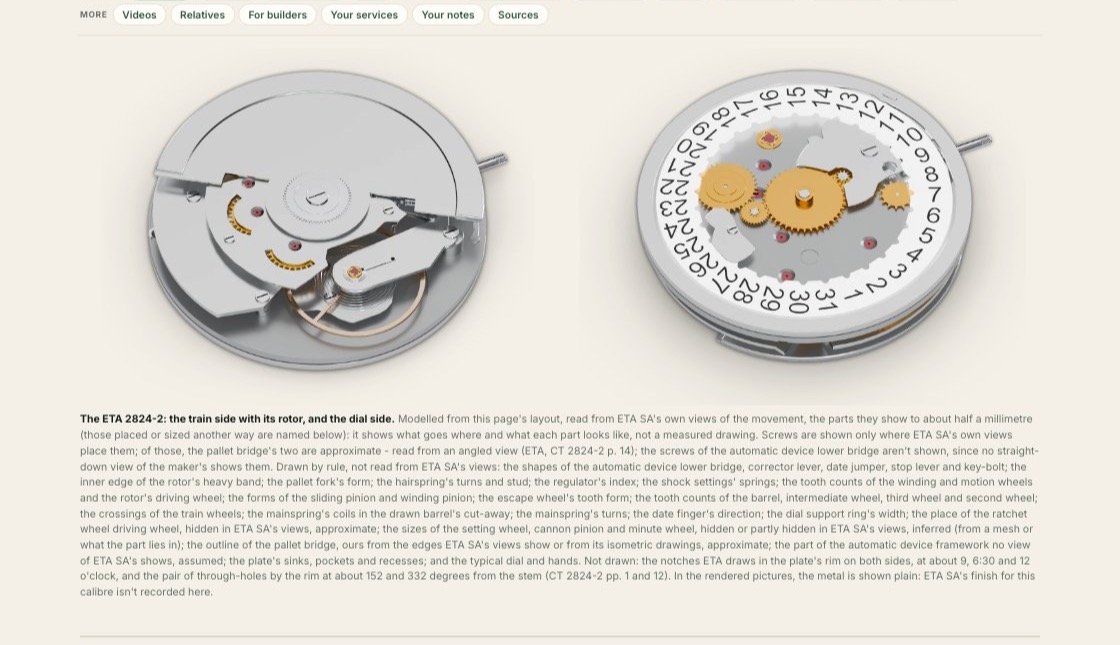
- The Movement Explorer: 400 calibers drawn part by part (plan, exploded, section, gear train and parts tray), each taken apart and put back step by step, with a cleaning map (which parts go in the bath, which stay out, which take epilame), an oiling map with your own oiling plan, and the figures to regulate it to. Quartz calibers: what's wrong past the battery, and replacing the movement. GMT calibers included, with what the crown sets at each position. Modern workhorses and the vintage calibers restorers service, from Omega, Rolex, Jaeger-LeCoultre, Longines, Zenith and others, each page listing its sources (the maker's own documents where we hold them, anything else marked as general practice), with the oil points taken from the maker's chart where we hold it; rectangular and tonneau movements drawn to their own shape.
- Reference cards for 14 more: each caliber's figures, from its maker's own document or an independent movement database, with a link to the source and to the walkthrough of the caliber it's built on where that's confirmed.
- Which movement is it? Photograph the marking on the rotor or a bridge, on the phone or the computer, and TimeWrights reads it and opens the caliber. The photo is read on your own device and isn't kept.
- Parts, named: the balance staff, pallet fork, escape wheel, hairspring, jewels and a wheel and pinion, each drawn with its features labeled and what each means at the bench. Every caliber's parts link to them.
- Pocket watches: the pocket calibers in their own section of the Movement Explorer, and a guide to hunter and open-face, lever and pendant set, sizes and railroad grade.
- The makers' own documents, linked. Guides, a 77-term glossary, and the books, channels and courses worth knowing.
Find it
- Listings from watch shops and marketplaces in many countries, with a country filter and saved searches that keep looking.
- Where a shop's terms allow it, a listing shows its asking price beside the asking prices of other listings of the same brand and model. They are asking prices, never sold prices.
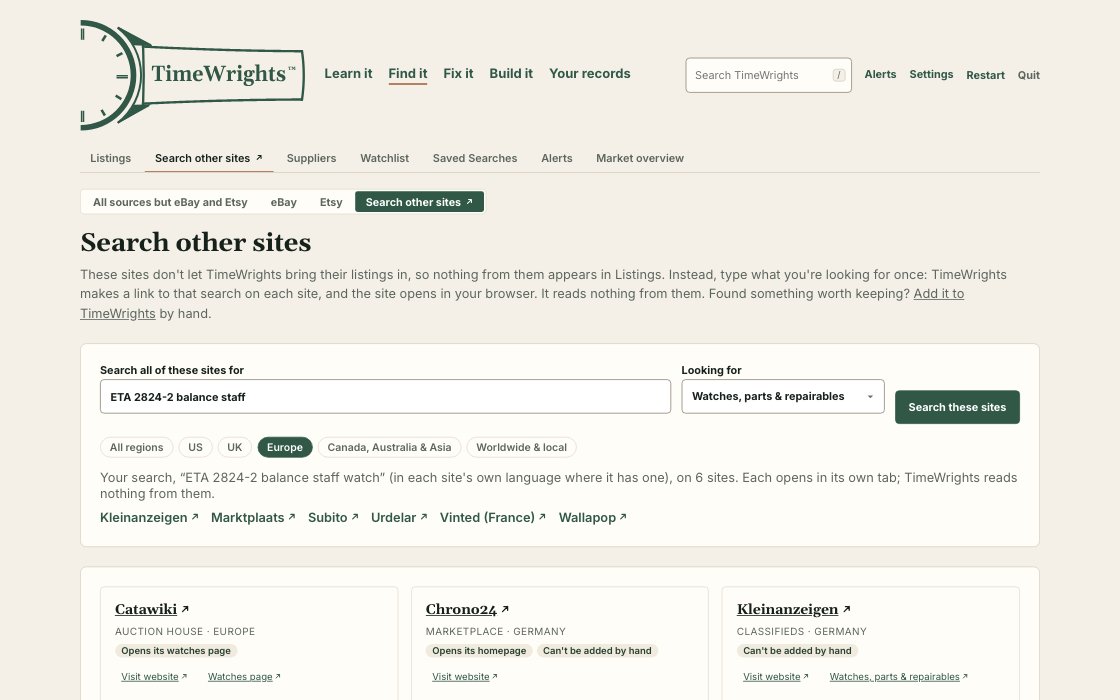
- Sites that don't share their listings get your search as a link, in their own language.
- Pocket watches on a tab of their own, kept apart from wristwatch prices.
eBay and Etsy listings come built in, through TimeWrights' own server: no keys or developer accounts to set up. eBay and Etsy listings follow those sites' terms: they aren't rated, priced or compared.
Fix it
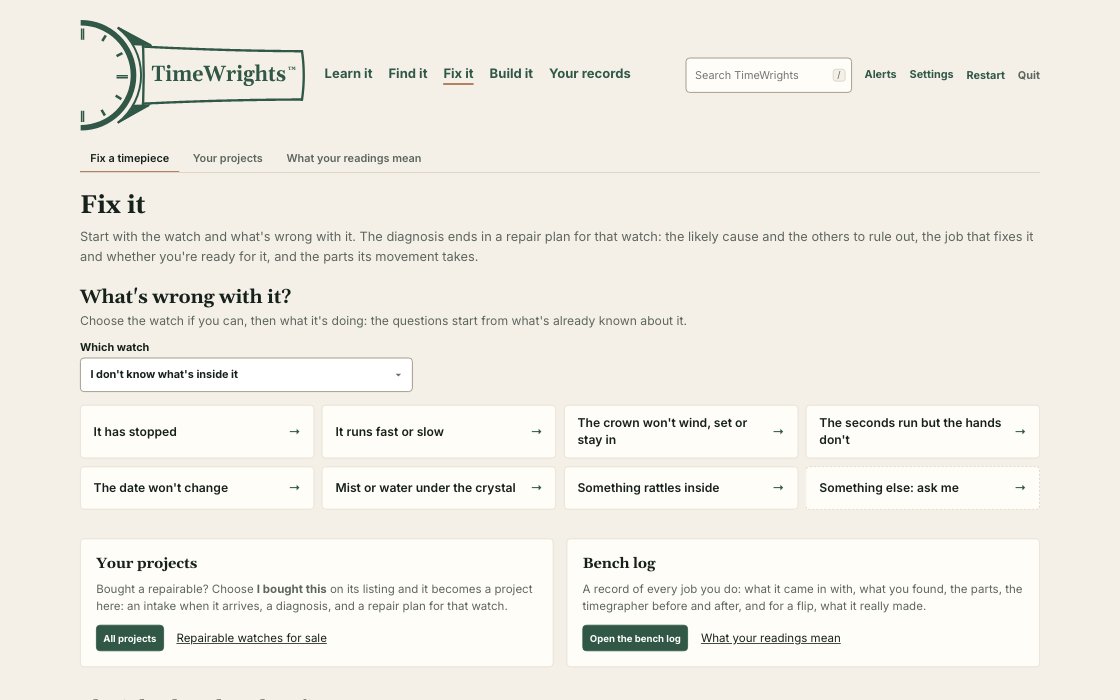
- Why has it stopped? A few questions anyone can answer without opening the movement, ending in what to do next.
- 18 jobs on a first-jobs ladder, each with its tools (marked where your tool log says you already own them), its steps, the step that ruins parts, and a video of the work.
- A bench log: every job, with parts and timegrapher readings before and after, typed in or brought in from a timegrapher app's export.
- Your services, kept with the movement: photograph each stage as you take a movement apart and put it back, and every job on that caliber, with its photos in order, shows on its page in the Movement Explorer. Next time, your own record is beside the drawings.
- A service record to print or save as PDF for any bench job: what it came in with, what you found, the timegrapher before and after, the parts and oils, and the photos in order. One to keep, or to hand over with the timepiece.
Build it
- Restorations, conversions and builds, tracked part by part.
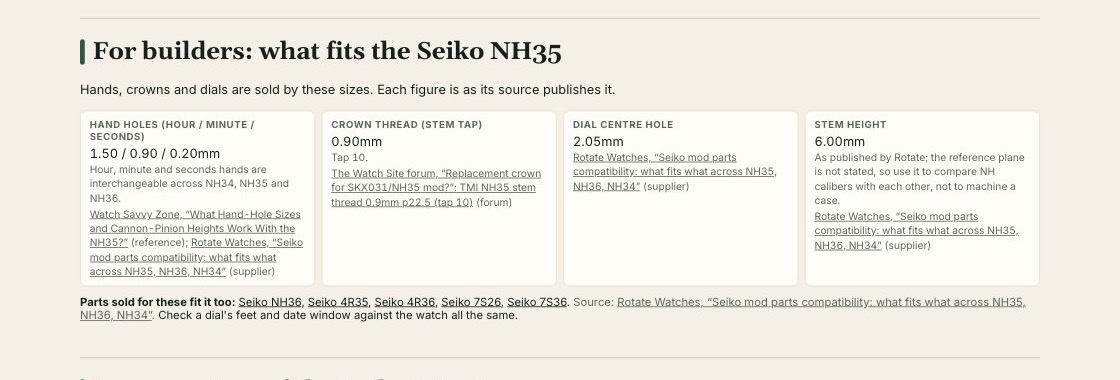
- What fits: hand-hole sizes, the crown thread, the dial's center hole and the stem height for the 6 calibers researched so far, each with its source, and which calibers' parts fit it too. Where sources disagree, it says so.
- Whole builds proposed from parts for sale today, with every fit check shown and what's still unknown. A count beside FrankenWrights says when a new one appears.
- Marriage watches: a pocket watch movement in a wristwatch case. Running movements and the cases made for them, screened by size, layout and how they set, and paired where they fit, with a count when a new pair appears. Where none fits yet, the makers of conversion cases are listed.
- Have it made: makers of custom dials, straps and cases, linked from the build where a part is made to order.
Your records
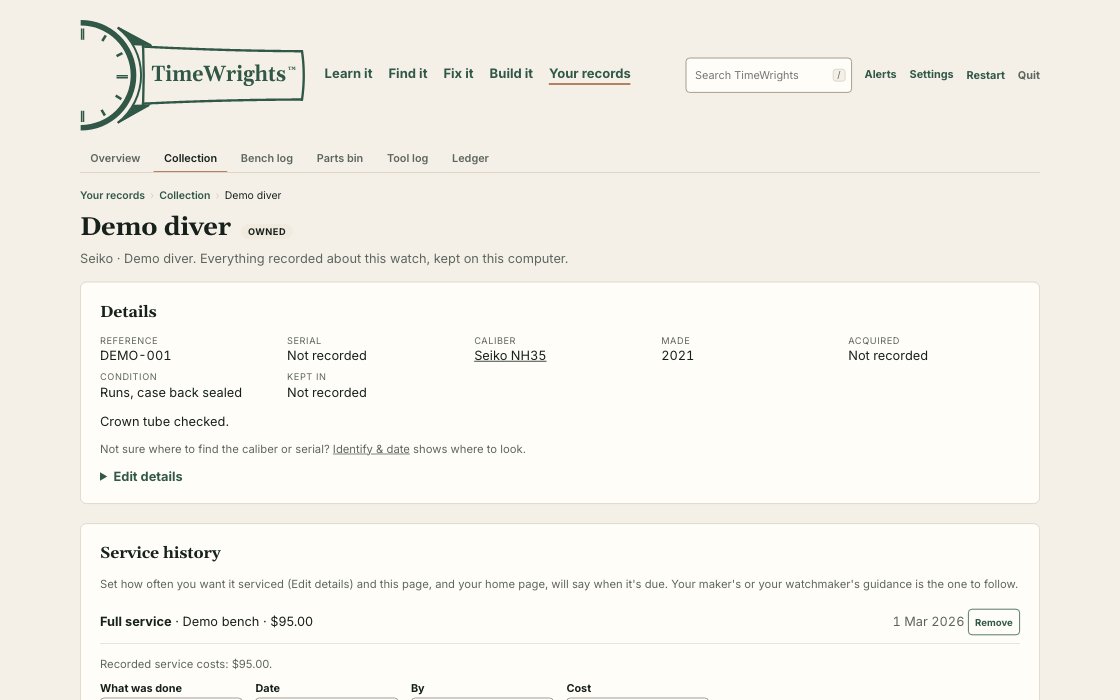
- Each timepiece's record: acquisition, condition, provenance, service history, photos and papers.
- A passport that goes with the timepiece: its history as one file for the next owner's TimeWrights, with a fingerprint that shows whether it was changed after you exported it. No TimeWrights account, no server.
- A parts bin of the spares you keep, and a tool log of the tools on your bench and what they cost.
- A ledger of what the hobby has cost and brought in, from the prices already in your records.
- Daily backups on your computer, and CSV export of your collection.
How your phone or tablet and computer pair
- On the computer, choose Settings › Your phone › Pair a phone. A code appears on that screen only.
- On the phone or tablet, choose Sync with your computer, and scan the code.
- From then on, tap Sync now on the same Wi-Fi. Every message between them is sealed with a key only the two devices share. Nothing goes through the internet, and there's no TimeWrights account.
Screenshots: TimeWrights on a Mac, with demonstration records and no one's data in them. The movements' figures on this page are from the app, which names their sources.